Minimal CI CD setup with Flutter and Github Actions — Part 1
Minimal CI CD setup with Flutter and GitHub Actions — Part 1
Minimal CI CD setup with Flutter and GitHub Actions — Part 1
Part 1:
- Setup GitHub Actions
- Setup the Flutter environment
- Install pub dependencies
Part 2:
- Verify Dart code formatting
- Analyze flutter code for errors and warnings
- Run unit tests
Part 3:
- Build Apk and IPA
- Send builds to testers using Firebase distribution
Let’s start
1. Setup GitHub actions
What are GitHub actions?
- Github Actions is a CI CD tool provided by Github. You can configure what to do in a .yml file and they will run on a computer hosted by GitHub servers.
- You get 2000 minutes of run time and 500 MB of storage to store outputs like apk, IPA and other files.
Some concepts to know:
The .yml file where we will write our step is called an _action_.
You can also reuse actions written by others in your steps.
Integration in your flutter project:
Create a file called build.yml like proj_folder/.github/workflows/build.yml
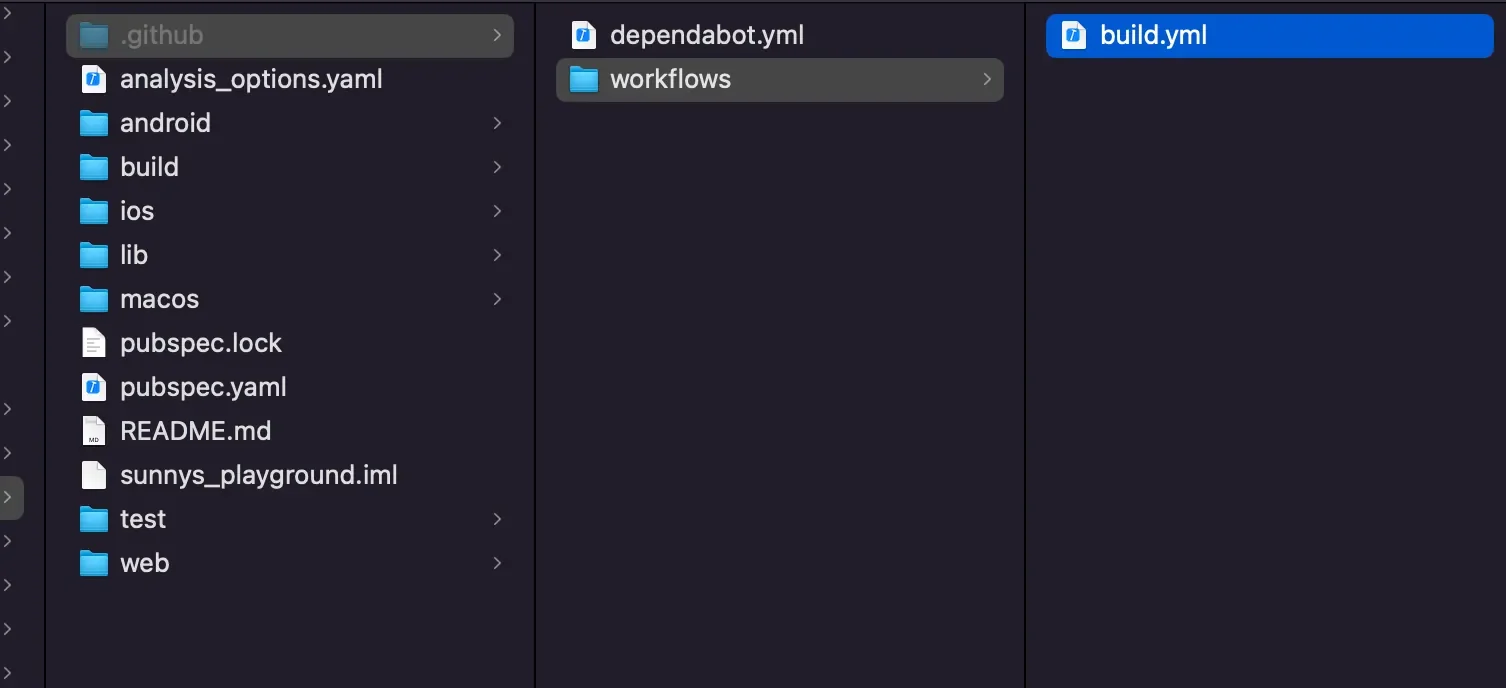
And then you can paste the following in the _build.yml_ file.
# Note: In a yml each level is padded by 2 spaces
name: Flutter

on:
  # Runs this action when you push on master
  push:
    branches: [ "master" ]
  # Runs this when a PR against master is created
  pull_request:
    branches: [ "master" ]

jobs:
  flutter_job:

    # The machine, we can also use windows-latest or ubuntu-latest
    # We are choosing macos-latest because we will be also building for iOS
    runs-on: macos-latest

    steps:

      # Clones the project on the machine
      - uses: actions/checkout@v4
Now commit and push the changes to GitHub.
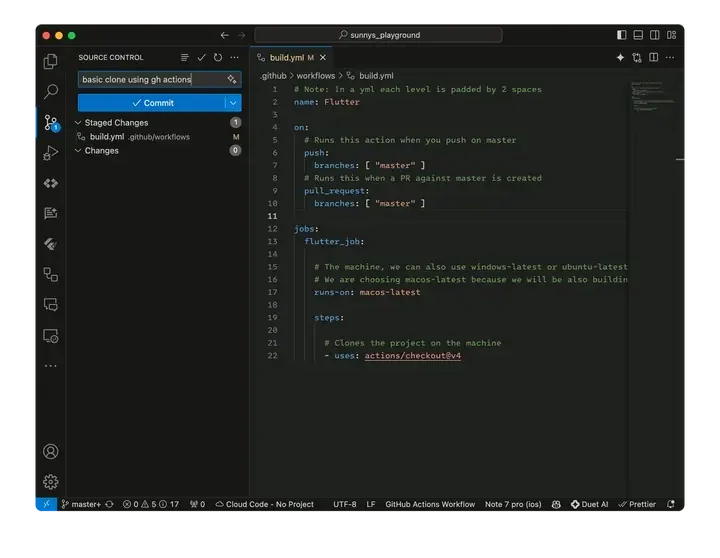
Commit and push the build.yml file
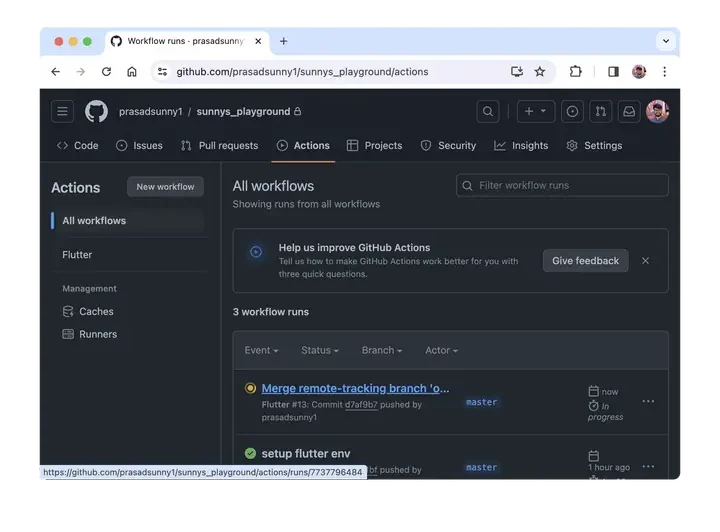
You should be able to see an action running in your Github repo’s “Actions” tab.
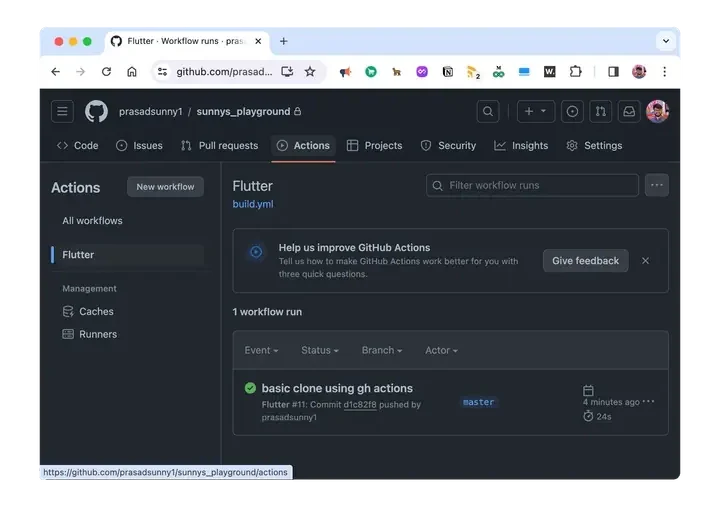
Github action running under Github Repo’s action tab
2. Setup flutter environment inside the action
We will need to set up Flutter SDK before running any Flutter commands.
We can use a third-party action from the GitHub Action marketplace called flutter-action
# Note: In a yml each level is padded by 2 spaces
name: Flutter

on:
  # Runs this action when you push on master
  push:
    branches: [ "master" ]
  # Runs this when a PR against master is created
  pull_request:
    branches: [ "master" ]

jobs:
  flutter_job:

    # The machine, we can also use windows-latest or ubuntu-latest
    # We are choosing macos-latest because we will be also building for iOS
    runs-on: macos-latest

    steps:

      # Clones the project on the machine
      - uses: actions/checkout@v4

      # Installs flutter and related dependency on this machine
      - name: Setup Flutter
        uses: subosito/flutter-action@v2
        with:
          channel: 'stable'
          # flutter-version: '3.16.8'
          # ^ If you want to use a specific version of flutter

      # Fetches proj dependencies from pub
      - name: Install dependencies
        run: flutter pub get
          # ^ If you want to use a specific version of flutter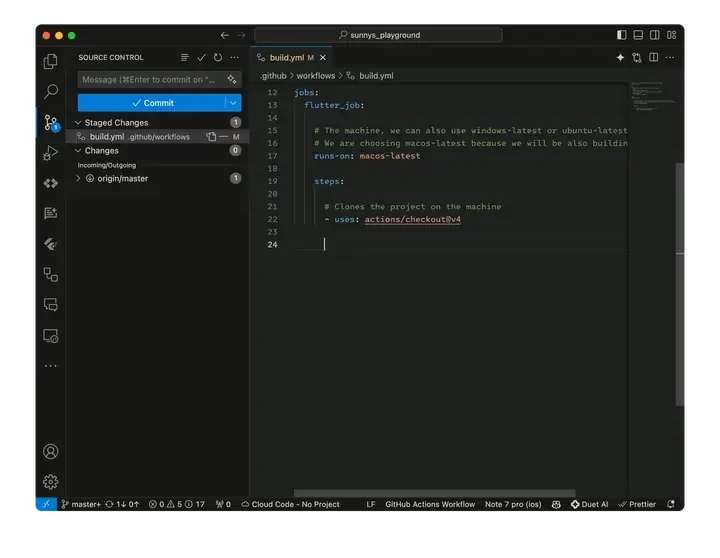
Setup Flutter env and get dependencies from the pub
You should see the updated action running in your repo.
GH action running for setting up flutter env and dependency installation
Review the final _build.yml_ file for Part 1
Continue reading …
- Verify dart code formatting
- Analyze flutter code for errors and warnings
- Run unit tests
- Build Apk and IPA
- Send builds to testers using Firebase distribution
For any Queries and Feedback:
Originally published on Medium.